Auto-detect and track faces across all frames. Adjust Gaussian, Mosaic, or Box blur free for 7 days.
Supported input: MP4, MOV, WebM video files (up to 200 MB · cloud jobs about 60s · up to 4K 4096×4096)
Export & billing: H.264 MP4 with original audio · a single-target 3s preview is 3 credits, and held credits return if no target is found
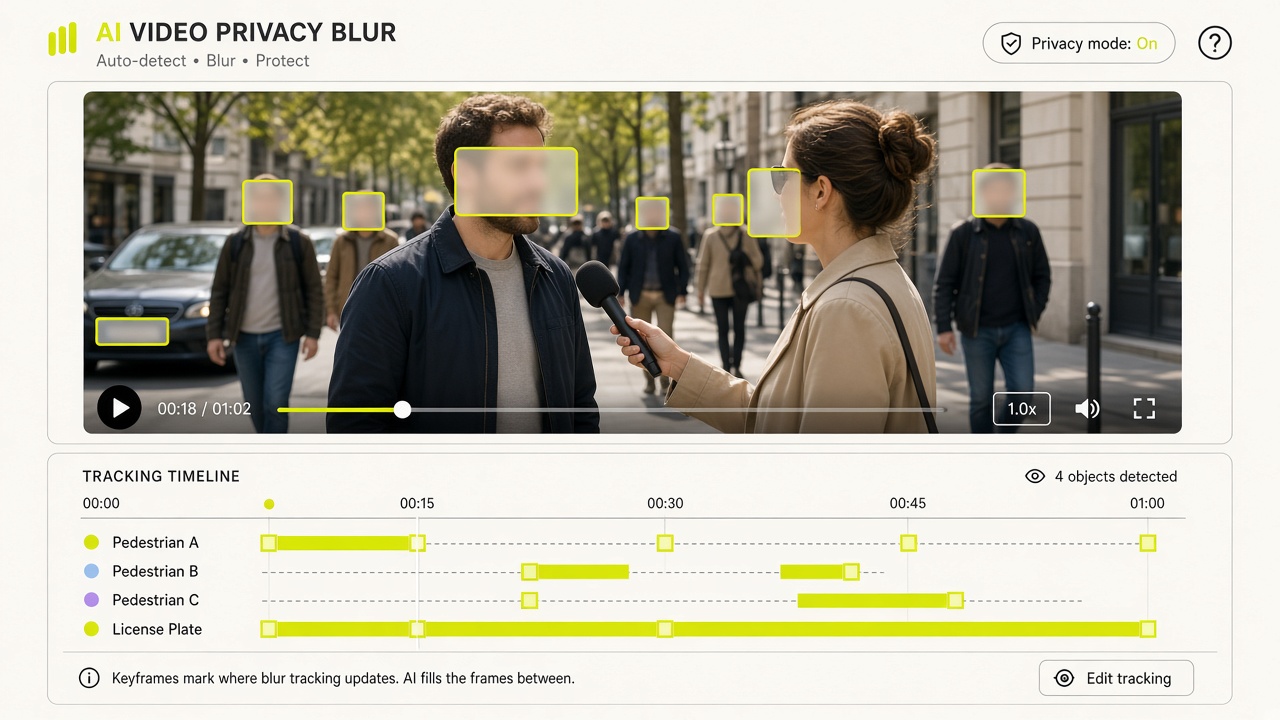
VideoBGBlur combines automatic subject segmentation and SAM3 text-prompted video tracking to detect faces, vehicle license plates, laptop/phone screens, backgrounds, or custom targets across motion frames. Once the tracking mask is generated, you can switch between Gaussian and Box blur or fine-tune blur intensity, mask expansion, and edge feathering at zero additional AI credit cost.

02 / WHY CHOOSE THIS TOOL · CORE CAPABILITIES
Use one-click presets for common privacy targets (`faces`, `license_plates`, `screens`, `background`) or type custom Keep/Add/Exclude prompts to blur badges, house numbers, or documents.
Your blur tracking mask is cached for 7 days. Change between Gaussian and Box blur or tweak pixel expansion and feathering as many times as you like without spending extra AI credits.
If the AI scans your clip and detects no matching faces, license plates, or prompted targets, the job returns a target-not-found status and automatically refunds your reserved credits.
Single-target blur and background blur cost 1 credit per billed second (2 credits/sec when combining multiple prompt rules). Test any clip first with a 3-credit preview.
03 / HOW TO USE · THREE-STEP WORKFLOW
No manual timeline keyframing required. Upload your clip, pick a target mode, and export a privacy-compliant MP4.
Select a video up to 200 MB, 60 seconds, 1080p resolution, and 30 fps. Container metadata and frame rate are verified before any credits are reserved.
Choose Faces, License Plates, Screens, Background Blur, or Custom Prompt. Run a ~3-second preview for 3 credits or process the full video at 1 credit/second.
Reuse the generated blur mask for free to adjust Gaussian/Box filter strength, mask expansion (px), and edge feathering (px), then download your composed MP4 with original audio.
04 / TYPICAL USE CASES
Automatically track and blur pedestrians and passersby in street interviews, travel vlogs, and documentary footage to respect privacy and platform guidelines.
Blur license plates on moving cars, trucks, and motorcycles in dashcam clips, car reviews, or dealership walkarounds without frame-by-frame masking.
Use the Screens preset or Custom Prompt mode to blur phones, laptop monitors, or on-desk paperwork during product walkthroughs and office recordings.
“Running a 3-second preview clip before committing credits to long interviews or street B-roll has saved our editing desk hours of manual work.”
Elena Rostova
Lead Post-Production Editor
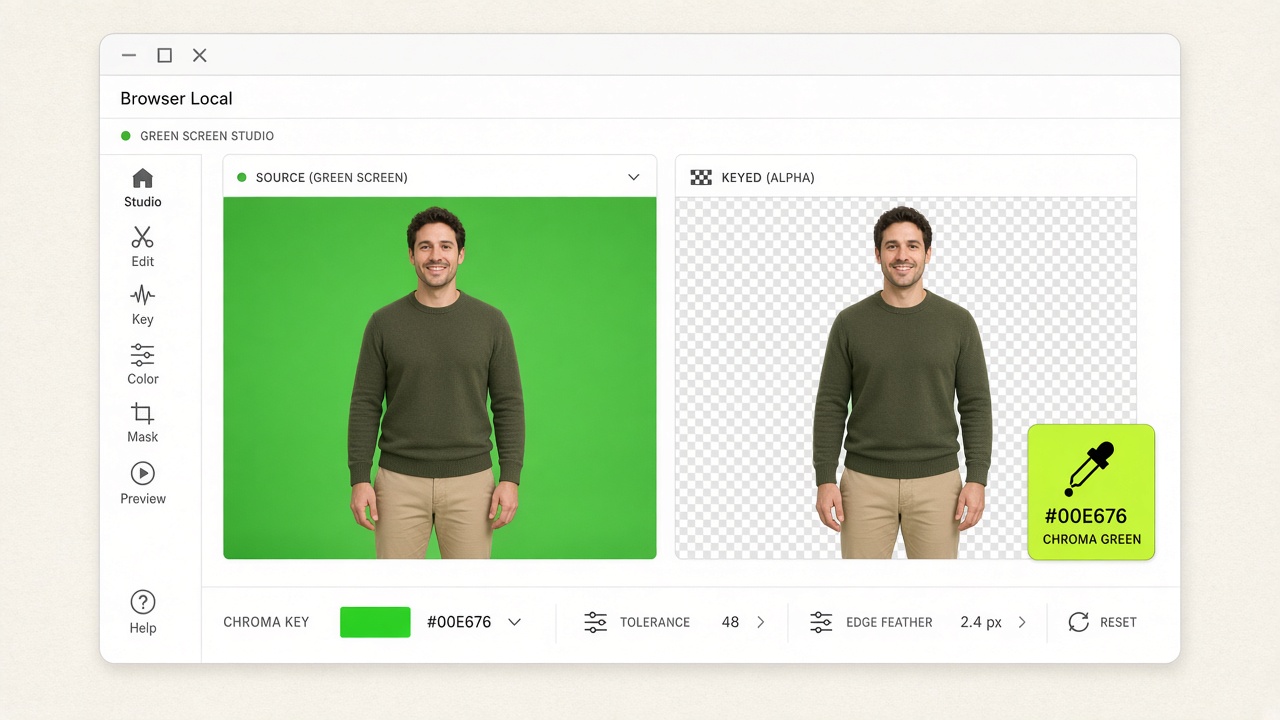
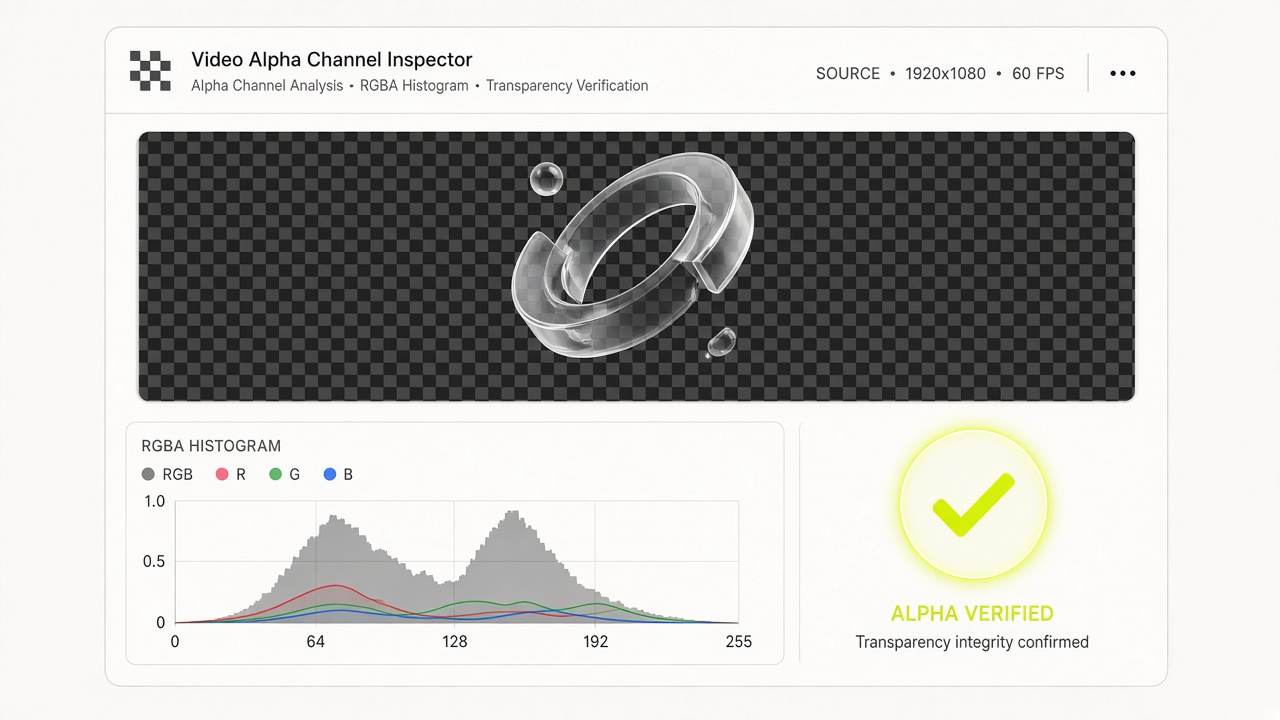
“The browser-local WebGL2 chroma keyer and RGBA alpha inspector run with zero server uploads, keeping our internal footage 100% confidential.”
Hannah Lindqvist
Staff Design Technologist
07 / TECHNICAL FAQ
All 10 technical answers below match our runtime behavior and JSON-LD schema.
VideoBGBlur uses AI video segmentation (`wavespeed-ai/sam3-video-rle` for targeted objects and `bria/fibo/video-background-remover` for background blur) to detect and track targets across every frame, then composites a Gaussian or Box blur over the tracked mask while preserving your original audio.

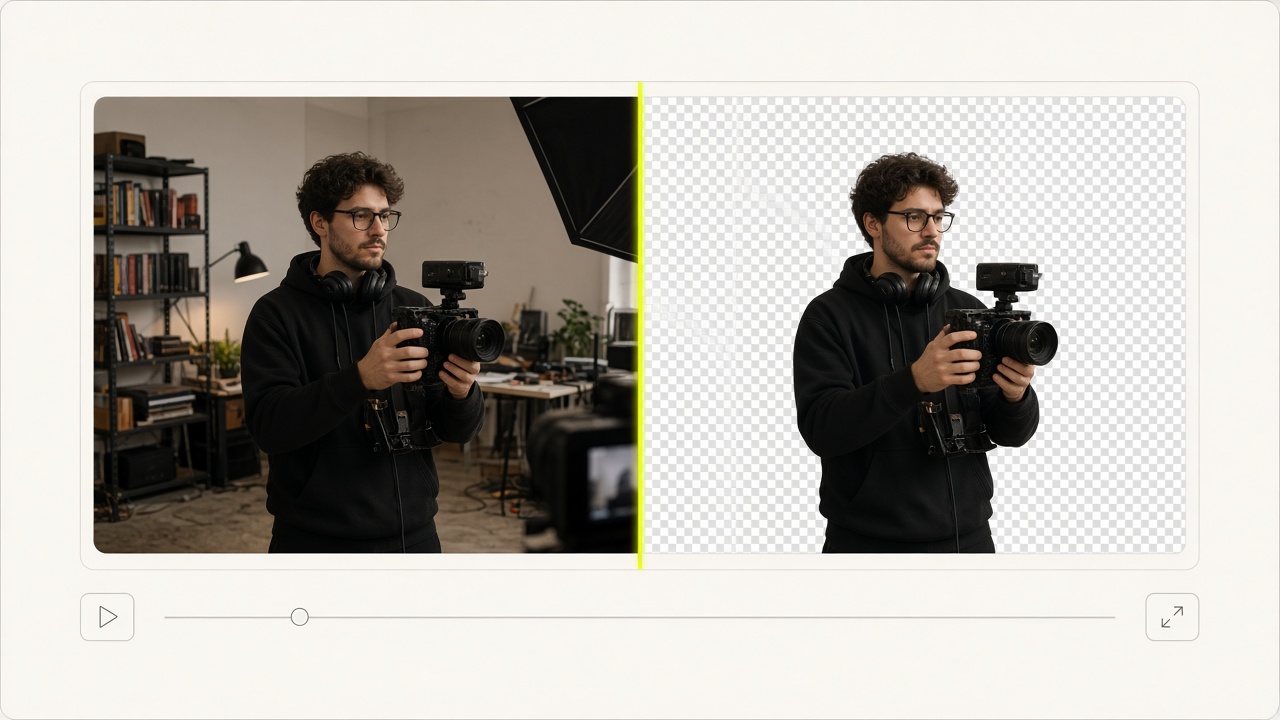
Automatic subject cutout + SAM3 prompt selection with 3s preview & free background swaps

Automatically track and blur faces, license plates, screens, or custom targets

100% browser-local WebGL chroma key exporting Transparent WebM, Lossless MOV & PNG ZIP

Verify container alpha tags and decoded RGBA pixel transparency locally in browser