FREE LOCAL · 0 UPLOADLocal Alpha Detector

Check whether a video really contains transparent pixelsLocal-only inspection · the selected video is not uploaded and no AI provider is called

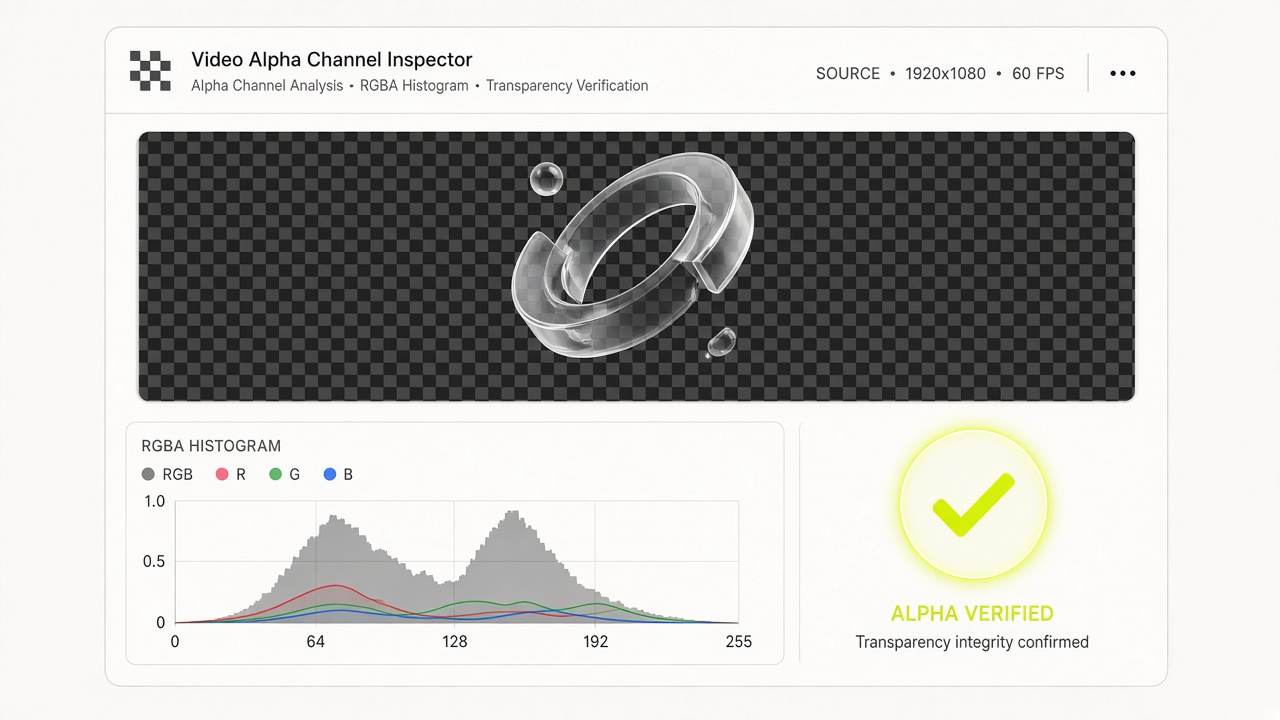
Inspect alpha metadata, the validated decoder path, real decoded pixel alpha, and exactly how much of the video was scanned. Metadata alone is never treated as proof.

Container Metadata + Decoded RGBA16-Frame Fast Scan · 900-Frame Full Scan0 Upload · Copyable HTML5 Embed Code
04 · FREE LOCAL ALPHA INSPECTORLocal Alpha Detector

Local source video

The file is copied into the browser FFmpeg Worker only for local probing and decoding.

Local detector limit: 200 MB · 60s · long edge 1920 · short edge 1080 · 30 fps

Transparency scan

Sampled detection is the default. Full detection decodes the complete supported video and does not extrapolate from samples.

Playback background check

Switch backgrounds to visually inspect playback. The formal result below still comes from decoded alpha pixels, not from how a native player happens to render the file.

Evidence layers

Sampled detection is the default. Full detection decodes the complete supported video and does not extrapolate from samples.

Safe HTML embed example

The sample uses a replaceable public URL and never copies the local blob URL or a private signed download link.

<video controls playsinline preload="metadata" style="background: transparent;">
  <source src="https://example.com/your-transparent-video.webm" type="video/webm">
  Your browser does not support this video format.
</video>
Embedding an existing file does not create transparency or repair decoder compatibility.
WHAT · VideoBGAlpha · Free Browser-Local Alpha Channel InspectorVERIFIED RUNTIME SPECIFICATION

Verify Container Alpha Metadata & Decoded RGBA Pixels Locally

Many "transparent" video files fail in production because they either have a checkerboard baked into opaque RGB pixels or lack proper container alpha signaling. VideoBGAlpha inspects your WebM, MOV, or MP4 locally inside your browser—combining container metadata probing with frame-by-frame RGBA pixel scanning—and generates ready-to-paste cross-browser HTML5 embed code.

Cost: 100% Free (0 Credits, No Login) · Privacy: Zero Server Upload · Scan Modes: Sampled (16 Frames) or Full Frame Scan
Verify Container Alpha Metadata & Decoded RGBA Pixels Locally

02 / WHY CHOOSE THIS TOOL · CORE CAPABILITIES

What VideoBGAlpha Inspects & Verifies

Dual Evidence Check

Container Alpha Metadata + Decoded Pixel Transparency

Distinguishes between files that merely declare an alpha tag in metadata and files that actually contain decoded pixels with `alpha < 255`.

2 Scan Coverage Modes

Fast 16-Frame Sampled Scan or Exhaustive Full Scan

Use Sampled Scan to check 16 evenly spaced frames in seconds, or run Full Scan (up to 900 frames / 30s) when transparency only appears briefly in an intro or outro.

Visual Backdrop QA

Live Checkerboard, Light & Dark Canvas Switcher

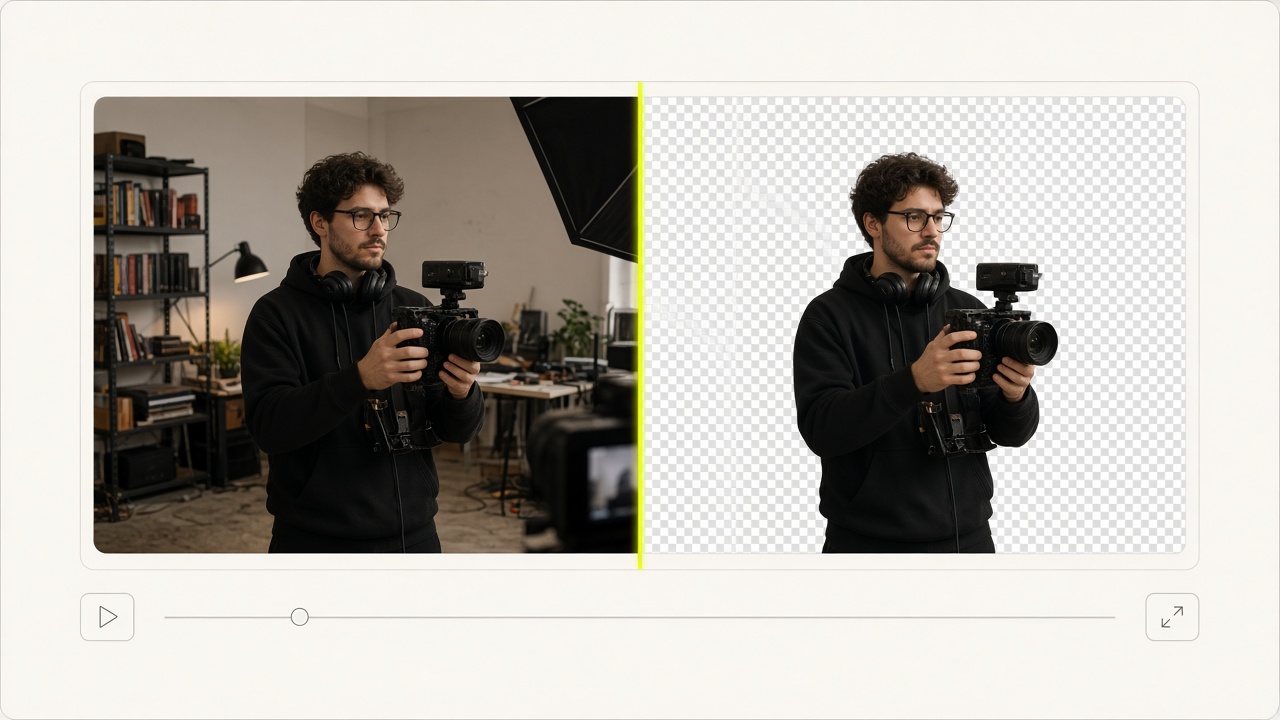
Spot dark halos, premultiplied alpha fringing, or leftover green spill by toggling the live video player background between checkerboard, white, and dark slate.

HTML5 Embed Generator

Copyable Cross-Browser Transparent `<video>` Snippet

Includes ready-to-use HTML5 `<video playsinline>` markup and cross-browser guidance for Chrome/Edge/Firefox (WebM VP9) and Safari (HEVC/MOV with alpha).

03 / HOW TO USE · THREE-STEP WORKFLOW

How to Test a Transparent Video in 3 Steps

Confirm real alpha transparency in seconds before deploying web overlays or sending deliverables to clients.

STEP 01

Select a WebM, MOV, or MP4 File Locally

Drop your video file (up to 200 MB and 120 seconds) into the local inspector. The file is read directly from disk without uploading to any server.

STEP 02

Run Sampled (16 Frames) or Full Pixel Scan

VideoBGAlpha probes container alpha tags (VP8/VP9 alpha_mode, QuickTime/ProRes/PNG alpha pixel formats) and decodes frames to measure actual RGBA alpha channel ranges.

STEP 03

Preview on Checkerboard & Copy HTML5 Embed Code

Toggle between checkerboard, light, and dark backdrops to visually inspect edge quality, then copy the cross-browser HTML `<video>` snippet.

04 / TYPICAL USE CASES

When to Use the Transparent Video Alpha Tester

Frontend & Web Developers

QA Transparent WebM Overlays Before Production Deployment

Verify that marketing hero animations and floating spokesperson videos actually decode with transparent pixels (`yuva420p`) and won’t render a black box on user screens.

Motion Designers & Freelancers

Catch Fake "Baked Checkerboard" Downloads Immediately

Quickly test stock assets or client deliverables to confirm whether the checkerboard is real RGBA transparency or a flat RGB pattern baked into an opaque MP4.

Chroma Key & VFX Workflows

Verify Alpha Range (`alphaMin`–`alphaMax`) After Keying

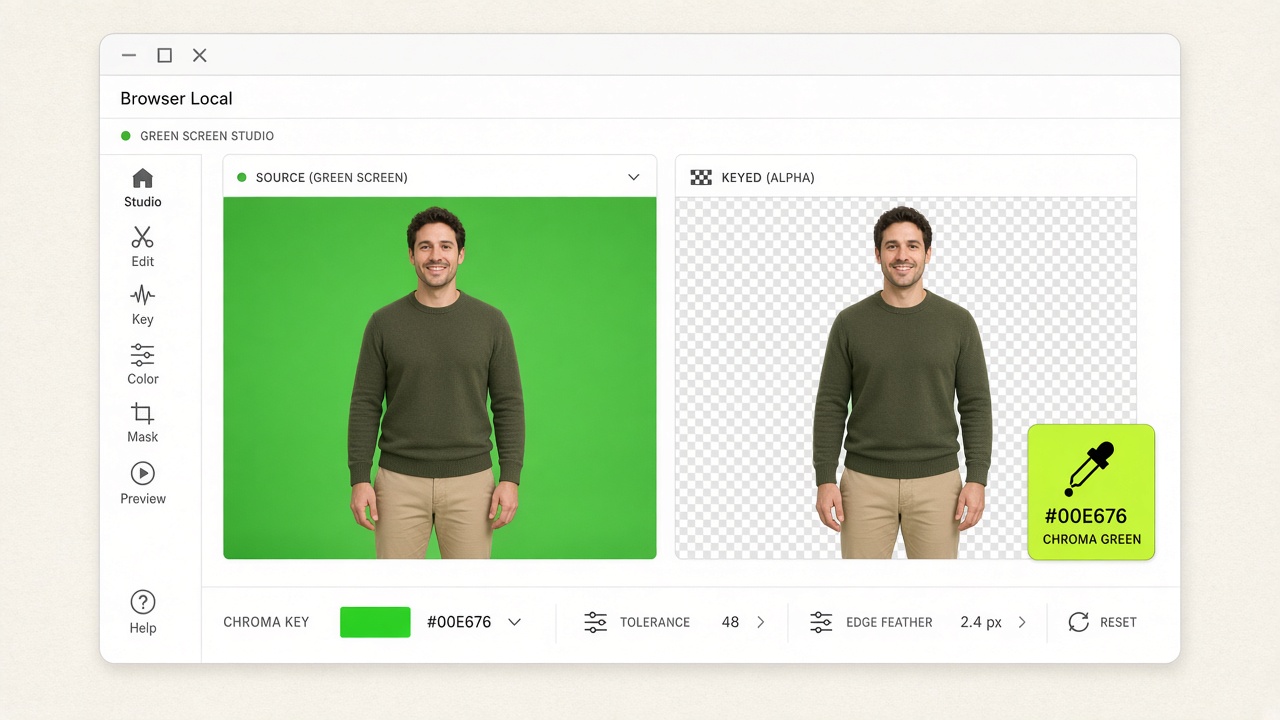
After exporting a Transparent WebM or Lossless MOV from our Local Chroma Key tool, inspect the exact minimum and maximum alpha values across frames.

05 / USER TESTIMONIALS

Verified reviews from creators & production teams

POST-PRODUCTION & INTERVIEW DESK★★★★★

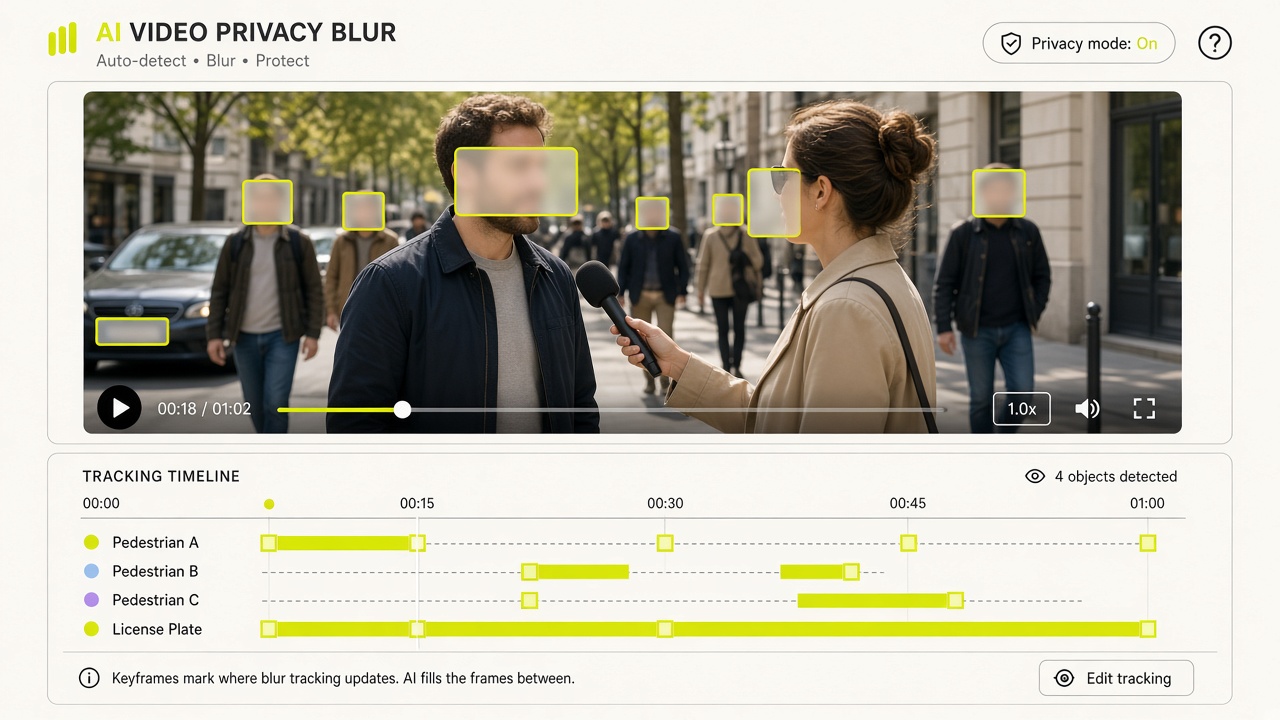
“Running a 3-second preview clip before committing credits to long interviews or street B-roll has saved our editing desk hours of manual work.”

Elena Rostova

Lead Post-Production Editor

ENTERPRISE L&D & WEB MOTION★★★★★

“The browser-local WebGL2 chroma keyer and RGBA alpha inspector run with zero server uploads, keeping our internal footage 100% confidential.”

Hannah Lindqvist

Staff Design Technologist

06 / PRICING VERSIONS

Free Local Edition ($0) & Non-Expiring Credit Packs

  • Free Local ($0): Unlimited browser green screen & alpha inspection
  • One-time packs: $6.90 (100 cr) · $19.90 (300 cr) · $39.90 (600 cr) · $99 (1,500 cr)
  • A 3-second preview is 3 credits for automatic cutout or single-target blur. Restyle is free for 7 days. Credits return if no target is found.

07 / TECHNICAL FAQ

Frequently Asked Questions About Testing Transparent Videos

All 10 technical answers below match our runtime behavior and JSON-LD schema.

A truly transparent video must both use an alpha-capable codec/pixel format (such as VP9 with `alpha_mode=1` or QuickTime with `yuva420p`/`rgba`) and contain decoded pixels where the alpha value is less than 255. VideoBGAlpha checks both automatically.