FREE LOCAL · 0 UPLOADLocal Chroma Key

Remove a green or blue screen in your browserLocal-only preview · your video is not uploaded and no AI provider is called

Choose a local video, key out green, blue, or any custom color, then tune tolerance and edge feather while the preview updates in real time.

WebGL2 Real-Time Keyer0 Upload · 0 Credits · No Sign-InWebM (VP9) · MOV · PNG ZIP
03 · FREE LOCAL CHROMA KEYLocal Chroma Key

Local source video

The browser reads the selected file through a temporary local object URL.

Preview and export stay in this browser tab. Keep the page in the foreground while a local export is running.

Chroma key

The normalized color-distance, tolerance, and feather values are shared with the future export path.

Local export

All processing and exports stay directly in your browser.

Current device export limit
100 MB · 30s · 1280×720 · 30 fps
No media bytes or local file names are sent to the server.

WebGL preview

Choose a video to start the local preview

No clean chroma background?

Complex scenes belong to the AI background-removal workflow. This local tool never uploads the selected chroma-key file.

Open AI background remover
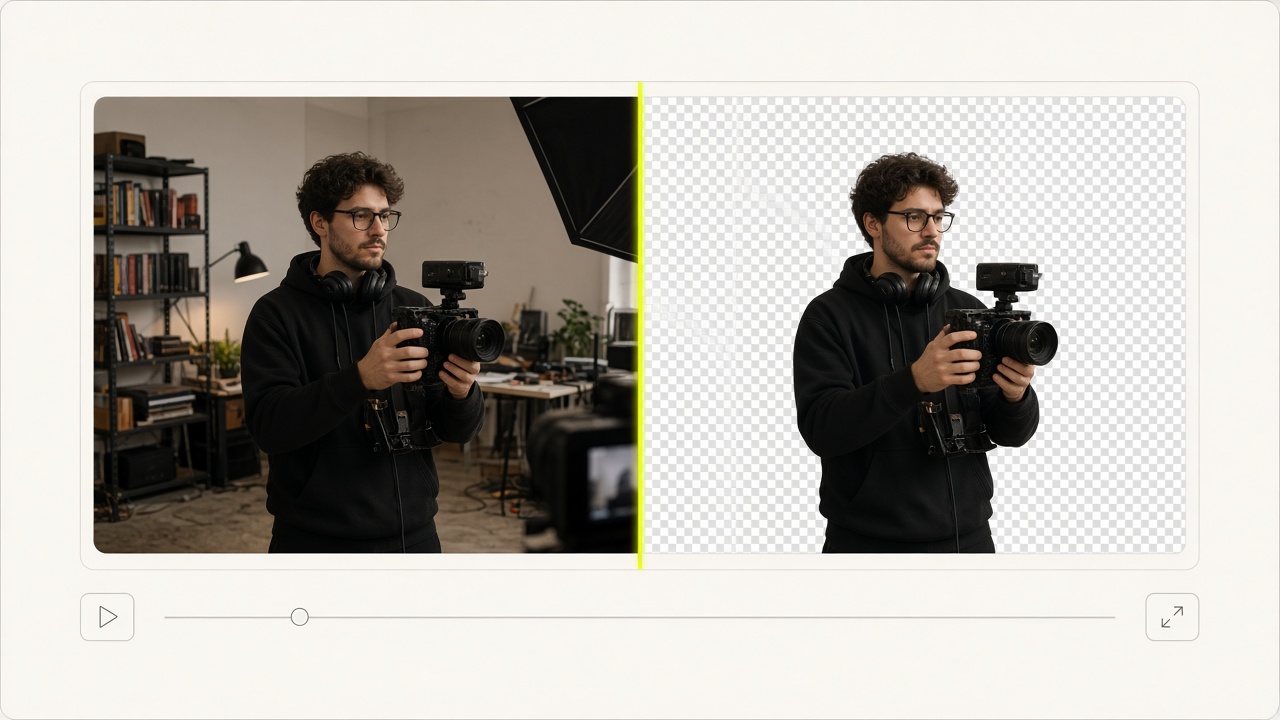
WHAT · VideoBGChroma · 100% Free Browser-Local Chroma KeyVERIFIED RUNTIME SPECIFICATION

Instant Green & Blue Screen Keying — Zero Server Uploads

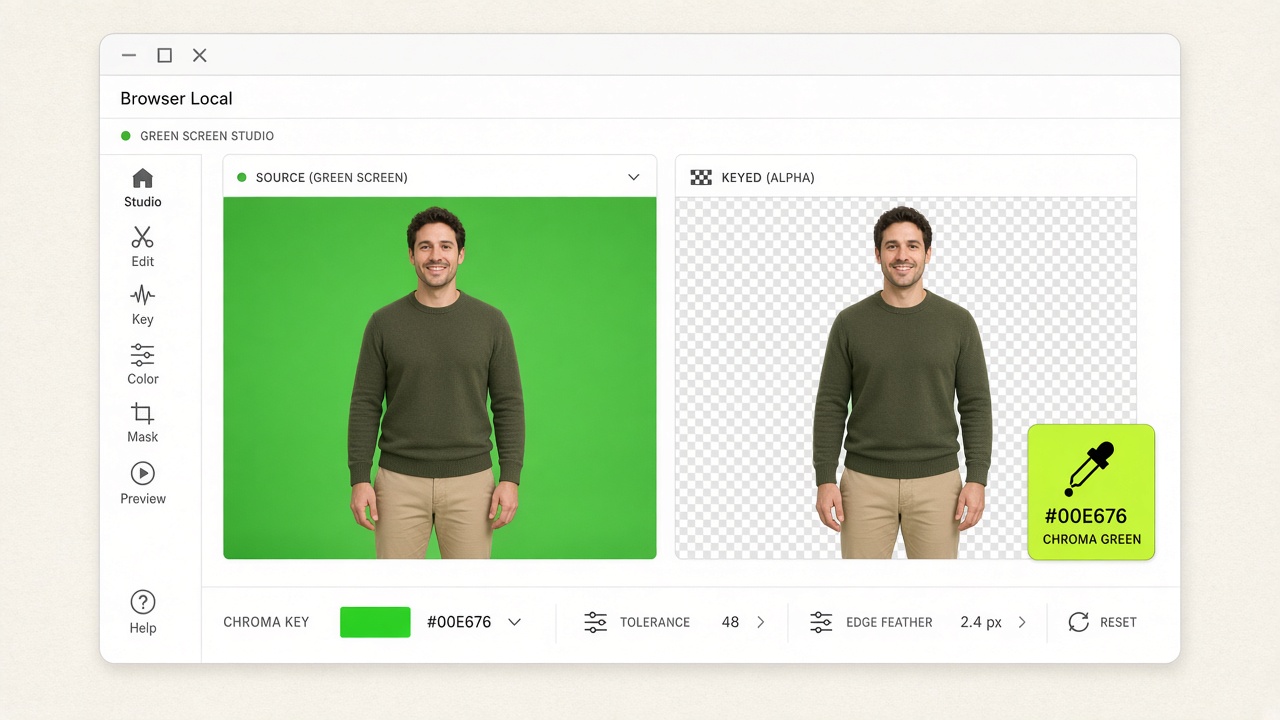
VideoBGChroma is a free, browser-local green screen and blue screen video editor built on WebGL2 shaders and FFmpeg WebAssembly. Pick any backdrop color with the eyedropper, fine-tune Similarity, Smoothness, and Spill Suppression in real time against a checkerboard or custom backdrop, and export Transparent WebM, Lossless MOV, or a Transparent PNG Sequence ZIP directly on your device.

Cost: 100% Free (0 Credits, No Login) · Privacy: Zero Cloud Upload · Local Export: Transparent WebM, Lossless MOV, PNG ZIP
Instant Green & Blue Screen Keying — Zero Server Uploads

02 / WHY CHOOSE THIS TOOL · CORE CAPABILITIES

Why Editors Use VideoBGChroma for Studio Keying

100% Local & Private

Zero Server Uploads — Ideal for Confidential Footage

All frame decoding, WebGL chroma key compositing, and FFmpeg WASM encoding run inside your browser tab. Sensitive client or internal videos never touch an external server.

Real-Time WebGL Shader

Live Eyedropper, Similarity, Smoothness & Spill Suppression

Eliminate green or blue color cast around hair and shoulders using live shader sliders while previewing over a transparency checkerboard, light/dark canvas, or custom color.

4 Local Export Modes

Transparent WebM, Lossless MOV & PNG Sequence ZIP

Export VP9 Transparent WebM for web overlays, Lossless RGBA MOV for Premiere/Final Cut/DaVinci timelines, or a numbered RGBA PNG ZIP with manifest metadata.

When to Switch to AI

No Green Screen? Switch to Cloud AI Cutout in One Click

If your footage was filmed in a normal room without a green or blue backdrop, switch directly to our AI Video Background Remover for automatic subject segmentation.

03 / HOW TO USE · THREE-STEP WORKFLOW

How to Key Out Green or Blue Screen Locally in 3 Steps

Your footage never leaves your device. Preview in real time with WebGL and encode transparent exports locally.

STEP 01

Load Your Green or Blue Screen Clip Locally

Select an MP4, MOV, or WebM file from your computer. The video loads directly into browser memory with zero network upload time.

STEP 02

Pick Key Color & Adjust Similarity, Smoothness & Spill

Use the Green Screen or Blue Screen preset—or sample an exact backdrop shade with the eyedropper—while tuning tolerance, edge feathering, and green/blue spill suppression live.

STEP 03

Export Transparent WebM, Lossless MOV, or PNG ZIP

Render your keyed video locally via FFmpeg WASM as a Transparent WebM (VP9 + alpha), Lossless RGBA MOV, or frame-by-frame Transparent PNG Sequence ZIP.

04 / TYPICAL USE CASES

Typical Green & Blue Screen Keying Scenarios

Streamers & YouTubers

Turn Studio Green Screen Clips into Transparent WebM Overlays

Key out collapsible green screens behind webcam or camera recordings and export lightweight Transparent WebM files ready for OBS, Streamlabs, or web players.

VFX & Blue Screen Shoots

Key Blue Screen Footage Without Green Wardrobe Conflicts

When subjects wear green clothing or props, switch to the Blue Screen preset (`?preset=blue`) and sample the exact backdrop hue for clean alpha separation.

Post-Production Editors

Export Lossless RGBA MOV or PNG Sequences for NLE Timelines

Pull a quick local chroma key and export a Lossless MOV or RGBA PNG sequence ZIP to drop straight into DaVinci Resolve, Premiere Pro, or After Effects.

05 / USER TESTIMONIALS

Verified reviews from creators & production teams

POST-PRODUCTION & INTERVIEW DESK★★★★★

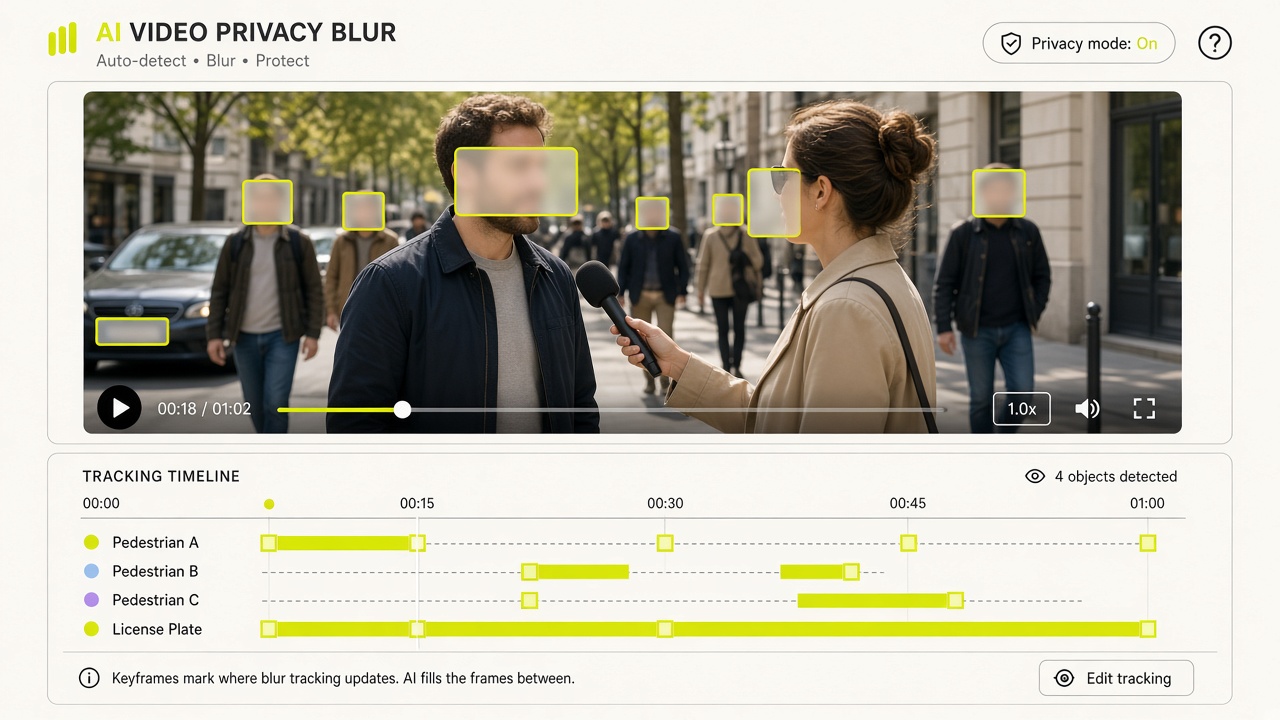
“Running a 3-second preview clip before committing credits to long interviews or street B-roll has saved our editing desk hours of manual work.”

Elena Rostova

Lead Post-Production Editor

ENTERPRISE L&D & WEB MOTION★★★★★

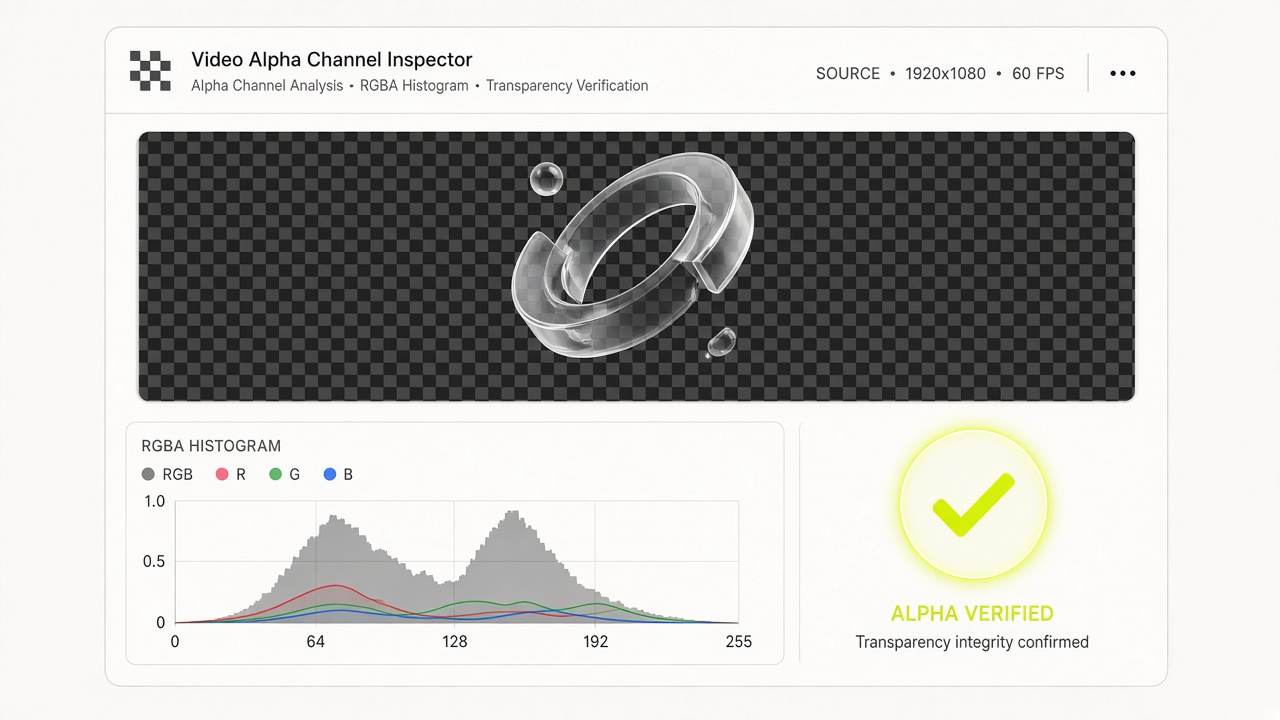
“The browser-local WebGL2 chroma keyer and RGBA alpha inspector run with zero server uploads, keeping our internal footage 100% confidential.”

Hannah Lindqvist

Staff Design Technologist

06 / PRICING VERSIONS

Free Local Edition ($0) & Non-Expiring Credit Packs

  • Free Local ($0): Unlimited browser green screen & alpha inspection
  • One-time packs: $6.90 (100 cr) · $19.90 (300 cr) · $39.90 (600 cr) · $99 (1,500 cr)
  • A 3-second preview is 3 credits for automatic cutout or single-target blur. Restyle is free for 7 days. Credits return if no target is found.

07 / TECHNICAL FAQ

Frequently Asked Questions About Local Green Screen Keying

All 10 technical answers below match our runtime behavior and JSON-LD schema.

Yes. VideoBGChroma (`/green-screen-video`) runs entirely on your own device using WebGL and WebAssembly. It requires no account login, consumes 0 credits, and has no watermarks.